
When students pay different amounts
One student pays 1000, another 2000, another nothing — each can have their own amount. Old dues are recorded the same way.
The screenshots show the app in Bangla, its main language. The buttons sit in the same places in English.
-
Two different things. "জন প্রতি টাকার পরিমাণ" (amount per student) is one figure for the whole class. "আলাদা টাকা" (own amount) belongs to one student — when it is set, that student pays their own figure instead of the class one.
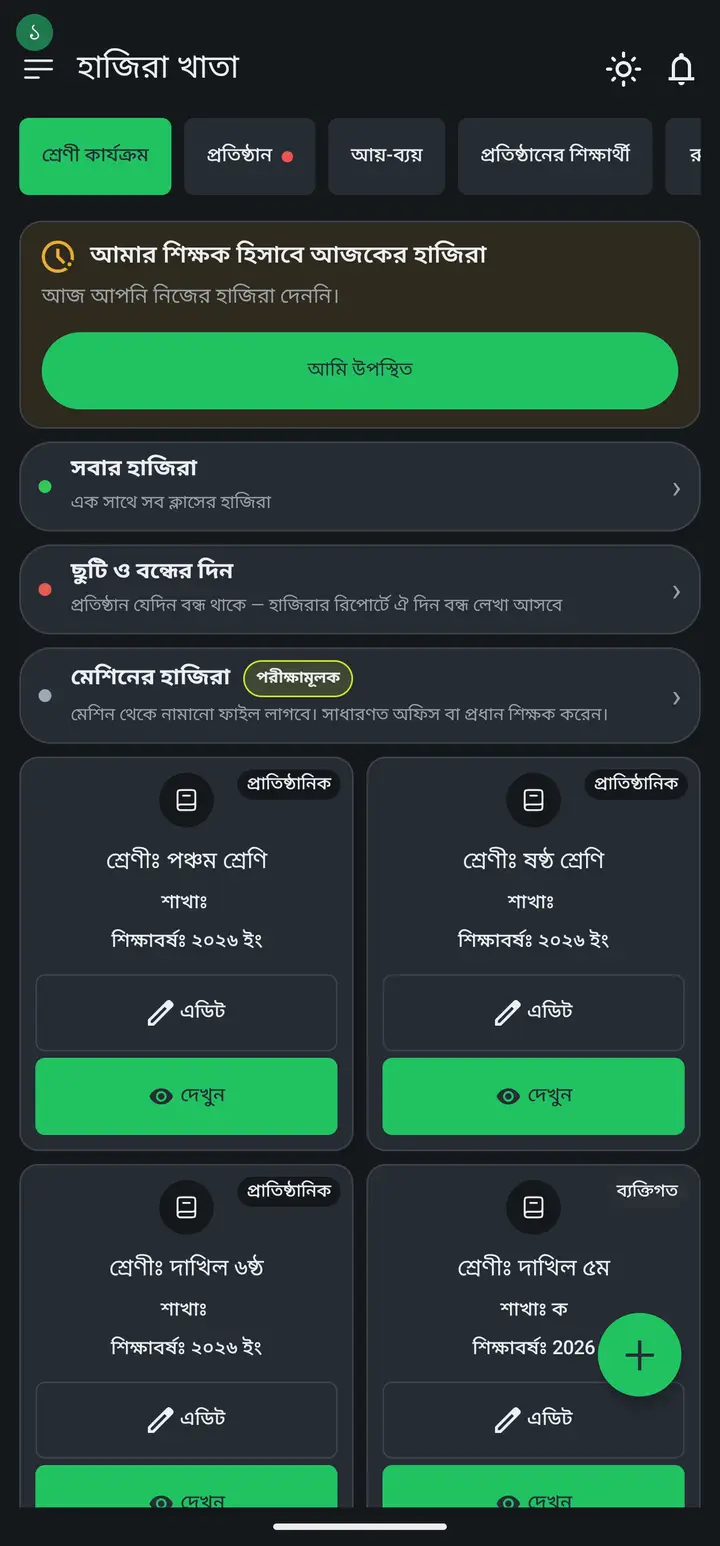
-
To change one student: open the fee, tap the "টাকা কালেকশন" (Collection) tab, tap the student's name, choose "এই শিক্ষার্থীর জন্য আলাদা টাকা ঠিক করুন" (Set a separate amount for this student), type the figure and tap "সেভ করুন" (Save).
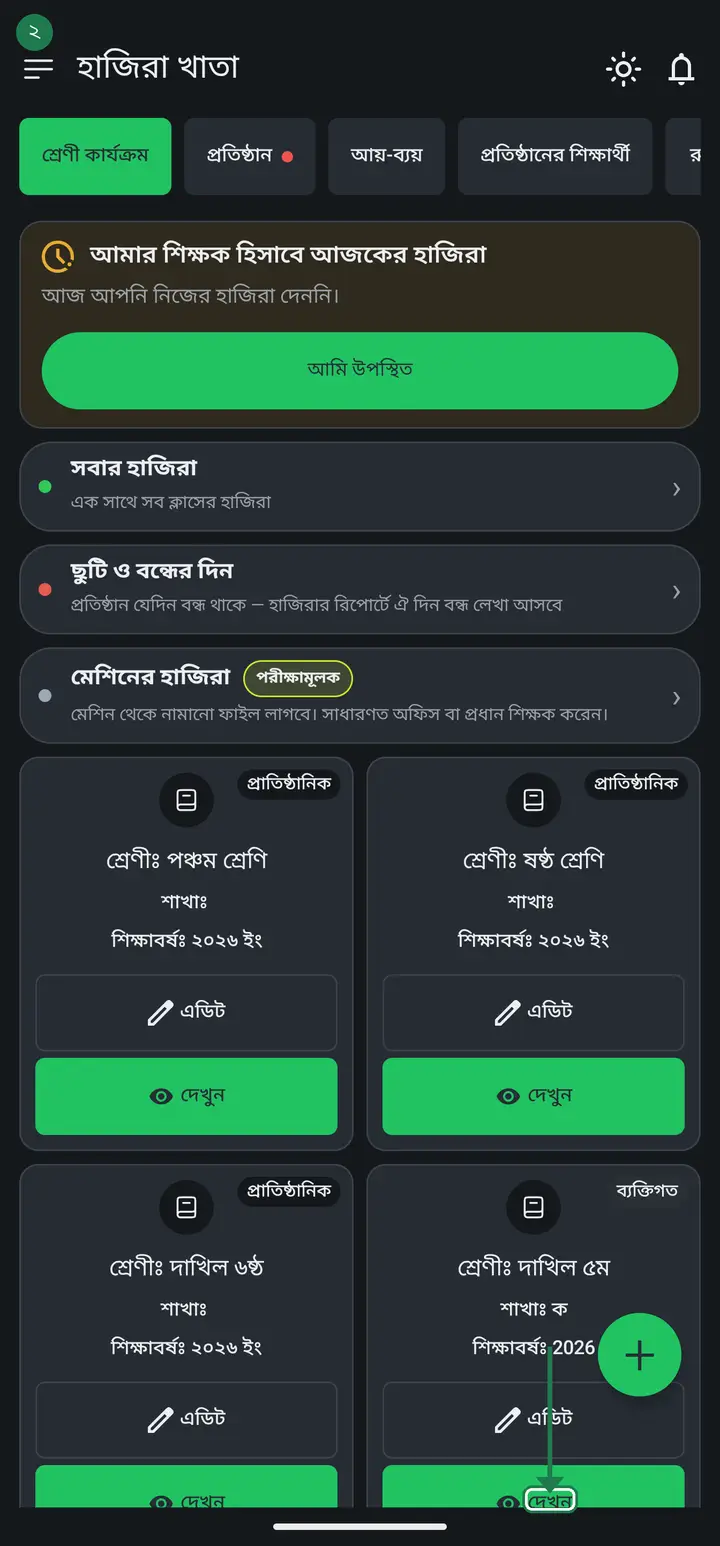
-
Doing that one by one is painful when many students differ. The fee's "বিস্তারিত" (Details) page carries "সবার আলাদা টাকা একসাথে বসান" (Set everyone's amount together) — it opens the whole class on one page, one box beside each name.
This one-page list has been there since 3.2.195 and has reached everyone. If you cannot see it, your app is an old build — update from the Play Store. Until you do, use the per-student route above; the result is identical, it just takes longer.
-
Two rules on that page. Leave a box empty and that student pays the class amount (the box shows a faint "ক্লাসের ৮০০"). Type 0 and nothing is asked of that student. Tap "সেভ করুন" once at the end and every change is saved together.
-
Use the same mechanism for dues carried in from before you started using the app — do not inflate the monthly fee. Tap +, create a separate fee named "পূর্বের বকেয়া" (previous dues), then give each student the figure they actually owe.
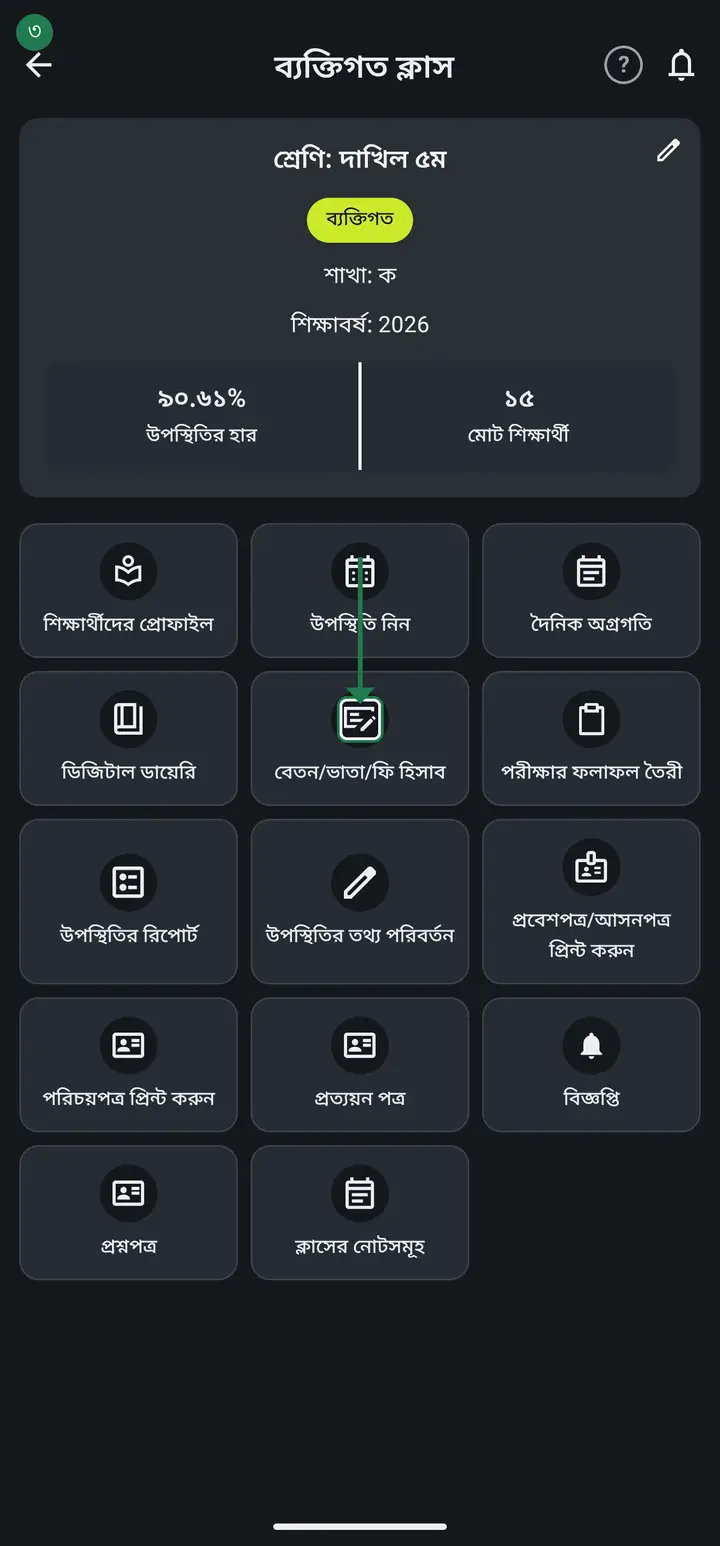
Do not fold arrears into the monthly fee. You lose the record of what that month's fee actually was, and receipts print the wrong figure.
Common questions
Can I just use the waiver instead?
No, and this is the most common mistake. "মওকুফ" (waiver) means you asked for the money and then forgave it — the books record it as money forgiven, and you must enter it again every month. "আলাদা টাকা" means that money was never charged in the first place, and it is permanent once set. For a student whose fee is simply lower, always use the own amount. Never enter both: the total drops twice.
While recording old dues, what about students who owe nothing?
Put 0 in their box — nothing is asked of them and they add nothing to the outstanding total. A new update makes this easier still: you can put 0 as the "জন প্রতি টাকার পরিমাণ" itself, so everybody starts at 0 and you only fill in the students who actually owe. Working from that direction is far less typing.
Once I set an own amount, does it carry into September?
No. An own amount belongs to that ONE fee — set it on August's fee and it stays on August's fee. Each month is entirely separate; neither last month's amount nor last month's unpaid balance moves forward by itself. After you create September's fee you set that student's amount again.
I cannot find the "own amount" option.
Two possible reasons. Location: it is not on the fee-creation page — open the fee, go to the "টাকা কালেকশন" tab, tap the student, and it is at the very top of the sheet that opens. Permission: in an institutional class only an admin or head teacher may set amounts, so for everyone else the button is not shown. In your own personal classes you always can.
Ask AI about this page
Ask an AI app to explain this page in simple language.
Copied — now paste it
Get Hazira Khata free on Google Play
More tutorials
- How to collect fees Create the month's fee once, then record what each student pays. The app works out who still owes what.
- Previous dues — recording old arrears and carrying them forward Enter the dues students carried in from before you started using the app, and let each month's unpaid balance carry into the next month by itself.
- How to make a marksheet Create a subject's mark form, enter the marks, then print the whole class's marksheet.
- Getting every student's result in one go The whole class's results in one PDF in one tap — one page per student, so you never export them one at a time. Print it, or keep it in your own Google Drive and find any student by name years later.
- How to make admit cards and seat cards Make and print exam admit cards and seat cards yourself — with the logo, signatures and dates. Both live on one screen, as two tabs at the top.
- How to make student ID cards Make and print student ID cards yourself — with your logo and their photos.
- How to make staff ID cards Print ID cards for teachers, office staff, guards and support staff — all on one sheet.
- Importing attendance from a machine Take the file off your fingerprint machine and load it into the app — the attendance fills itself in.